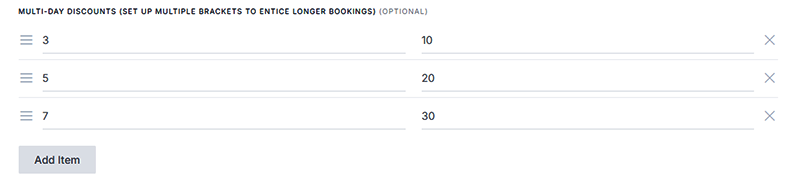
Owners can create different rates based on the number of days in a rental, with rental periods of up to 14 days or even more. Multi Day Rentals make your rentals more desirable to renters and allow owners to make more profit.
You control the rental period and its discount.
To setup Multi Day discounts for your listing, login to Towit, go do the desired listing and scroll down to the “Multi-Day Discount” section. Click on the Add Item button, select the number of days in the left column, and the % discount in the right column. You can add as many as you’d like.